4.4.2. Installing CDT
If your Eclipse installation already has CDT, this chapter can be skipped. Else, follow the steps in this chapter to extend your installation of Eclipse to have C/C++ Software Development functionality.
(If you are not sure if CDT is already installed, please refer this section to check if plugin is installed. )
Go to
If you do not find something like
cdtinWork withinput Box, add CDT toAvailable Software Sites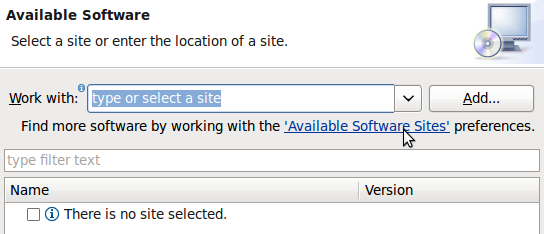
Enable the CDT Repository in
Available Software Sites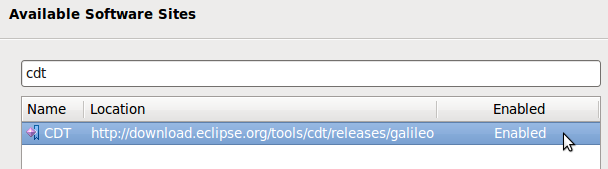
Select the CDT Repository in
Work Withinput box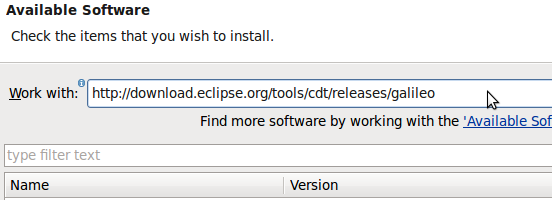
Select the main CDT Plugin for installation.
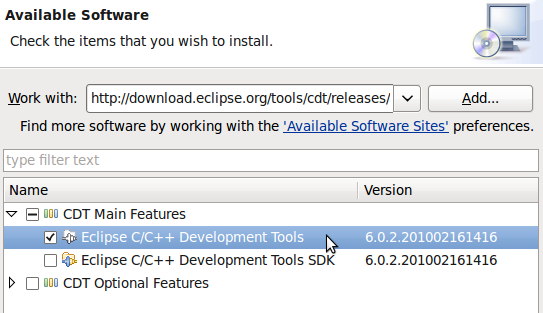
Click button
If you agree, accept the license agreement and Click button
Eclipse would ask to restart... Please agree
Now CDT is available with your installation